
Citizen feedback system for municipalities
Çevre Temiz carries the problem on the street to the municipality's desk.
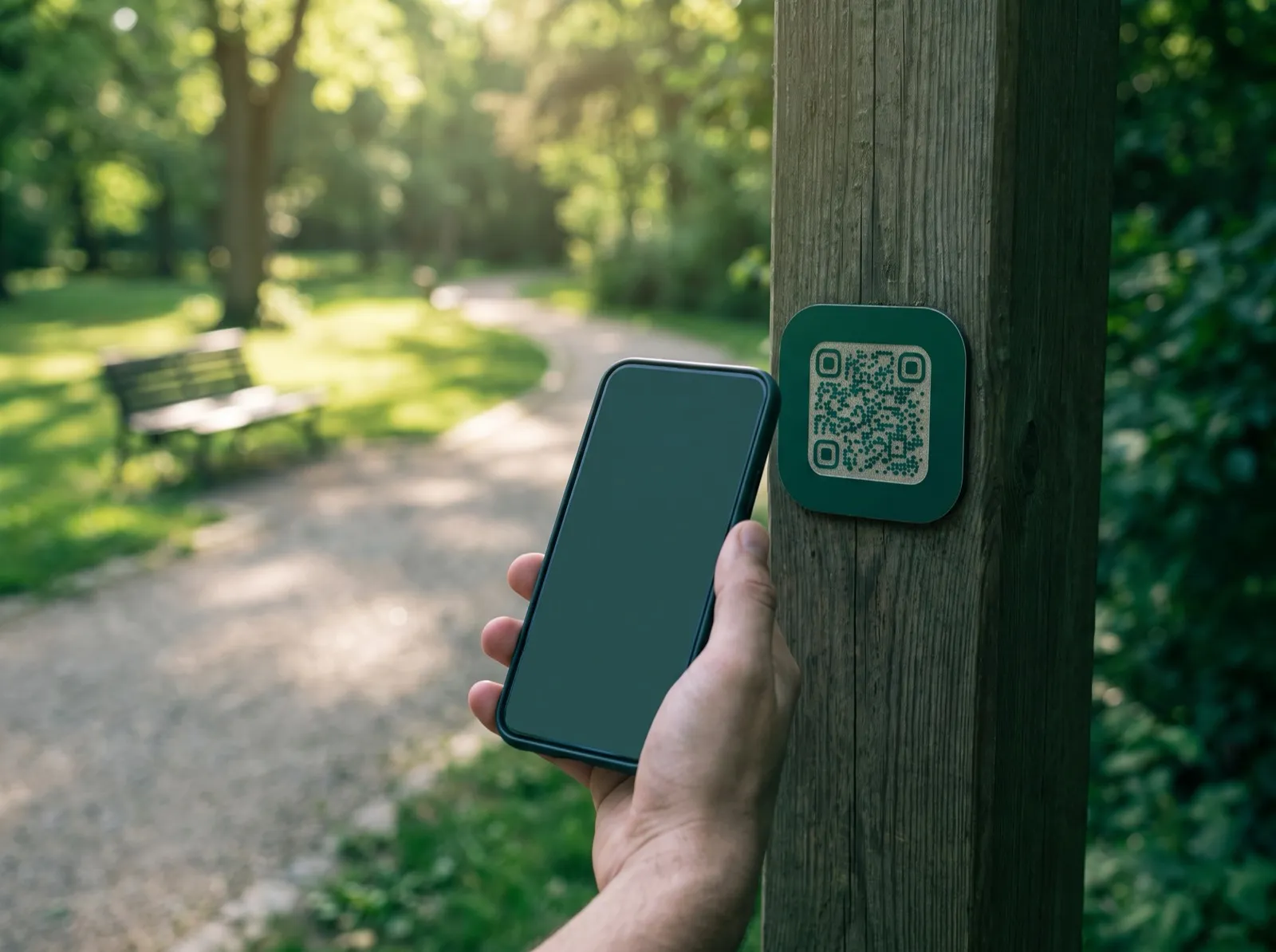
A citizen scans the QR code in the park and files a photo report in thirty seconds. Your team tracks and resolves it from one panel, with the location, category and full history attached.
No app to install, no account to create. A QR code and a browser are enough.
What the product actually does
- 4 steps
- Scan, describe, send, trackThe entire flow a citizen sees
- One panel
- Every point and municipalityQR codes, reports and staff in one place
- Anonymous
- No account, just a tracking linkSharing your identity is optional
- TR / EN
- Bilingual interfaceSeparately for citizens and staff
How it works
Four steps from scan to resolution
Every QR code you put up in the field is a reporting channel bound to that exact spot. Location, address and municipality are already known — the only thing left to describe is the problem itself.
Scan the code
A phone camera reads the label at a park entrance, next to a container or along the seafront. Nothing to install.
Describe the issue
Pick a category, write a few sentences, attach a photo if you want. Contact details are entirely optional.
The municipality resolves it
The report lands in the right municipality's panel. Staff change the status, add notes, and every step is kept in the history.
The citizen follows along
The tracking link issued on submission shows the status and its history — no account required.
Features
Everything a report needs, out of the box
From generating QR codes to measuring resolution time, the whole flow ships with the product.
QR point management
Pick the spot on the map, enter the label and address, and the QR code is generated for you. Print it, put it up, and deactivate it in one click when it is no longer needed.
Reports with photos
Images up to 10 MB. The file signature is verified on the server, so a renamed file will not get through.
Map view
The report's location and all of a municipality's points on one map. Clusters of complaints become visible.
Status flow and history
Pending, in review, resolved, rejected. Every change is recorded with who made it and when.
Statistics and breakdowns
Total, open and resolved reports plus average resolution time, broken down by municipality and category.
Role-based access
A municipality admin only sees their own municipality. The boundary lives in database row-level security, not in the interface.
For municipalities
A measurable workflow instead of a complaints hotline
A complaint phoned in has no address, no photo and no record. A report that arrives through a QR code has all three from the start.
- Because it is bound to a point, the report reaches the right municipality at the right address.
- Average resolution time is measured and shown as a single number on the overview.
- Staff accounts are created by an administrator; self sign-up is closed.
- Manage QR points from the map and print the label straight from the panel.

For citizens
You don't need an account to report something
Reporting what you see takes a camera and about thirty seconds. After that you follow it through the tracking link.
- No sign-up, no password, no app to download.
- The address and municipality come from the QR code; you only describe the problem.
- Name, email and phone are optional — you can leave them blank.
- The tracking link shows the report's status and its history.
What the citizen sees
The form is short, because the QR code knows the rest
Location, address and municipality come from the point. That leaves three fields: what happened, which category it belongs to, and optionally a photo.
Your tracking link is ready
Save this link; it is the only way to reach your report.
Seaside Park entrance
Submit feedback
What would you like to report?
Category
Photo (optional)
FAQ
Frequently asked
No. The QR code is scanned with the phone camera and opens a form directly in the browser. No installation, no account, no password.
Let's talk about your municipality
From where to put the QR codes to how staff permissions are split, we'll plan the whole rollout together.
Email: iletisim@cevretemiz.com